
Host from your Android phone, blast the music through your speaker, and let friends buzz from any browser in the same room.
See it in action
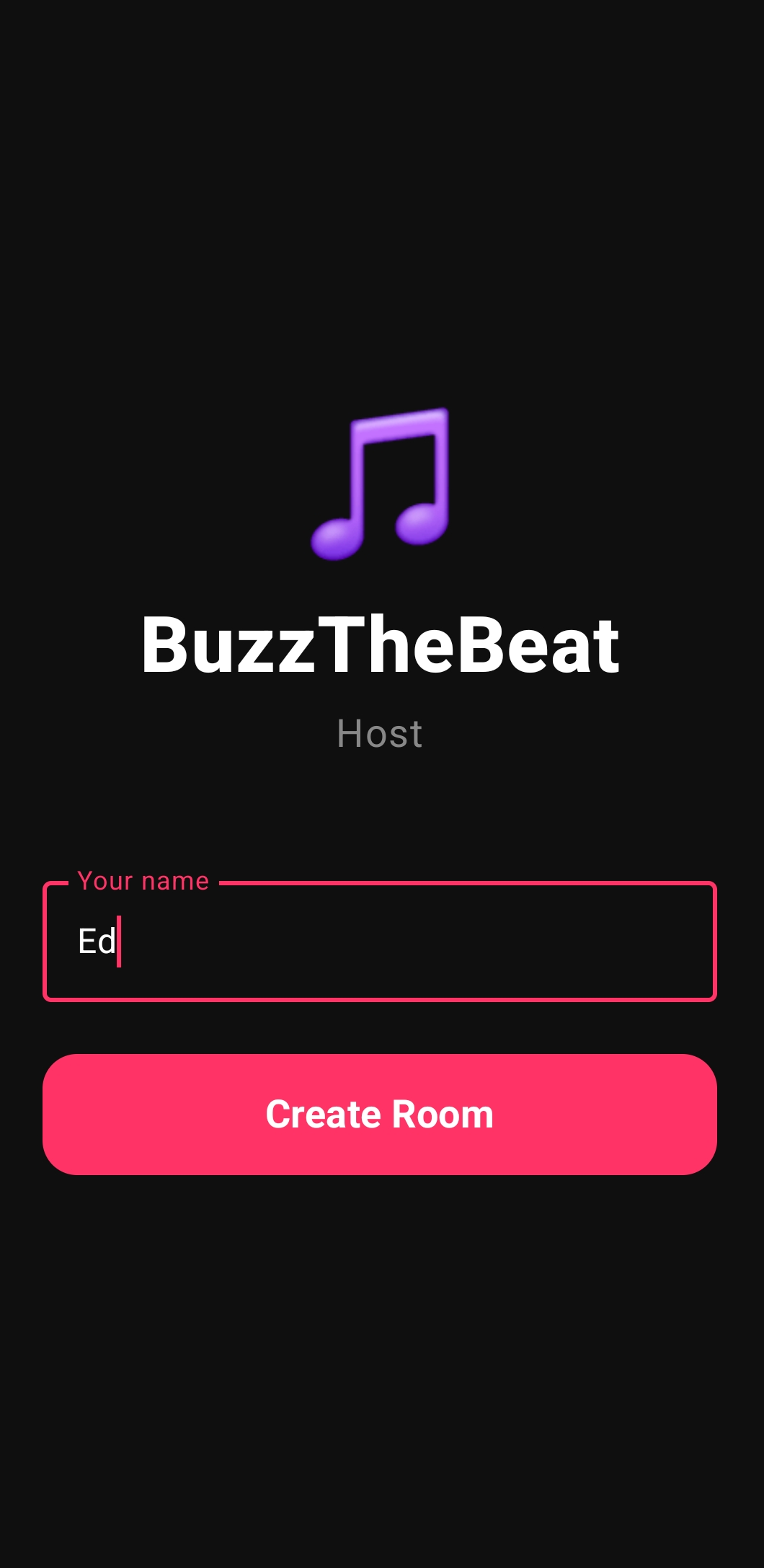
Open the BuzzTheBeat host app, enter your name, and tap Create Room. You instantly get a room code and QR link to share with everyone.
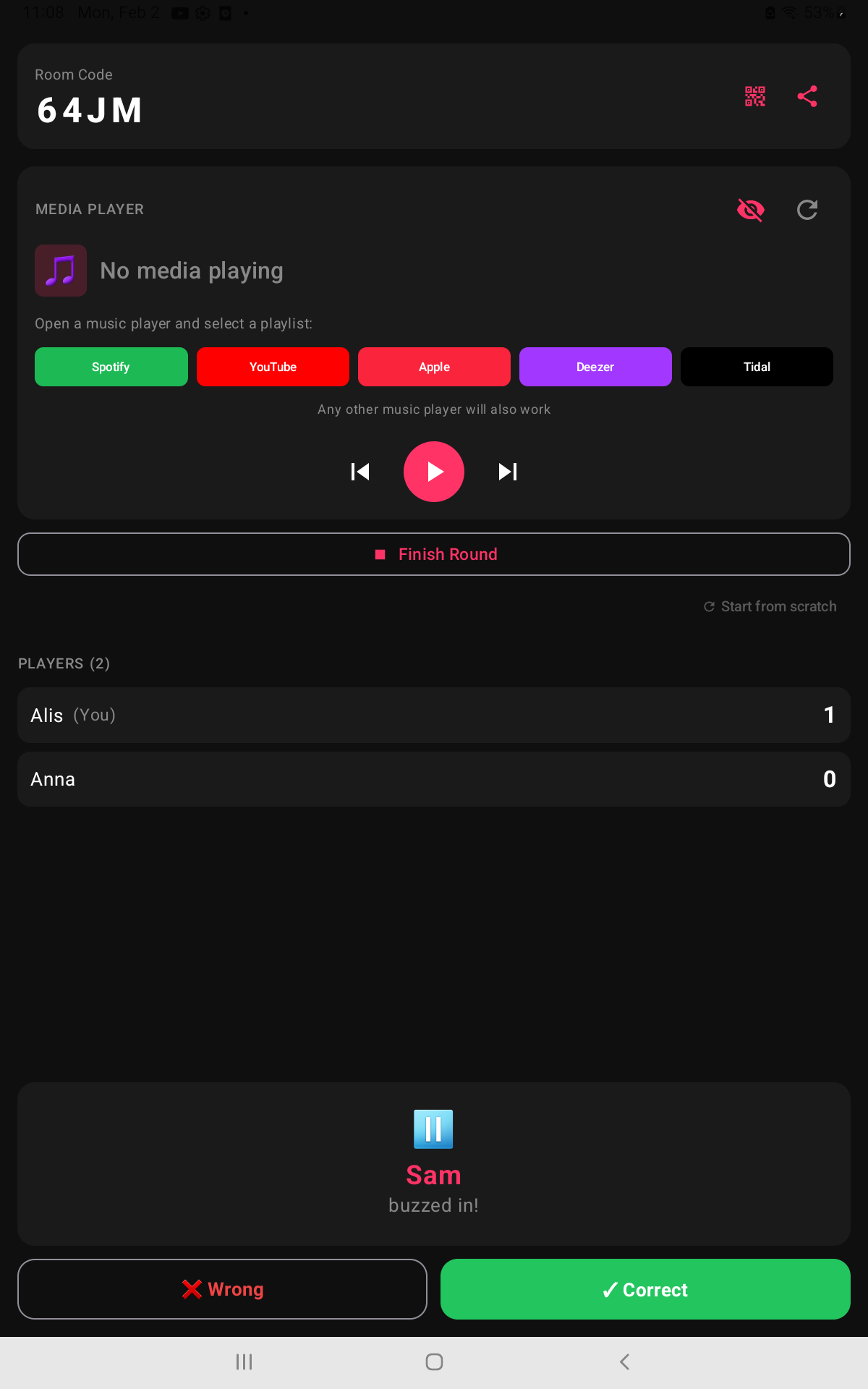
Start any playlist in Spotify, YouTube Music, Apple Music (or literally any player). BuzzTheBeat listens for playback and lets you pause, skip, and score without juggling apps.
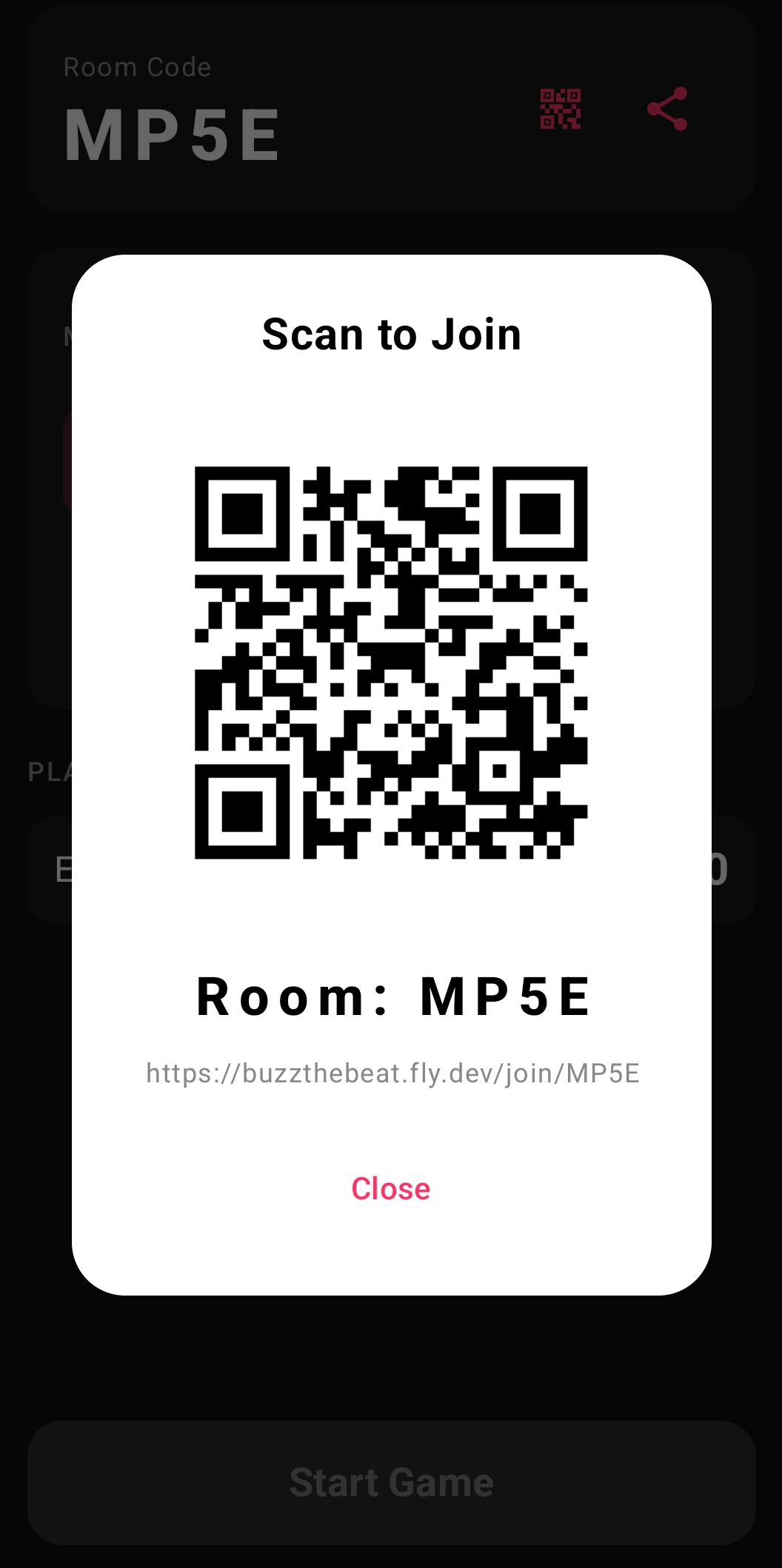
Share the room code or let them scan the QR. Players open the link in any browser—phone, tablet, or laptop. No installs, no accounts, no waiting.
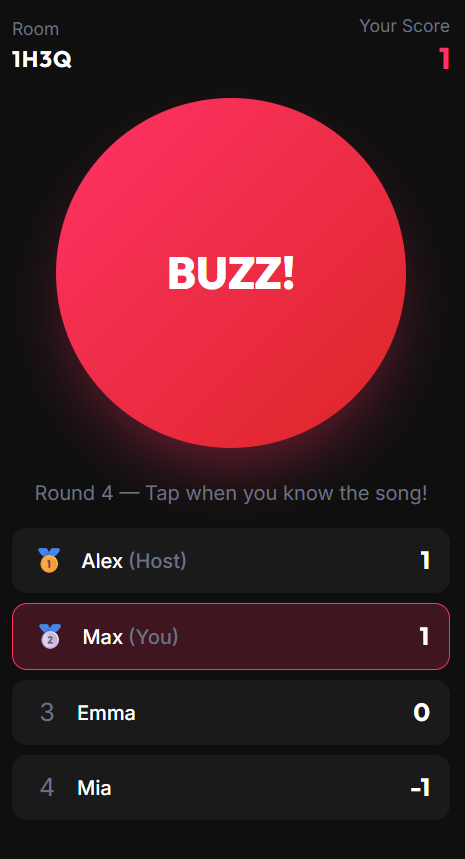
Music plays through the host's speaker. The moment someone taps BUZZ, playback pauses automatically so you can judge the answer, award points, and skip to the next song.
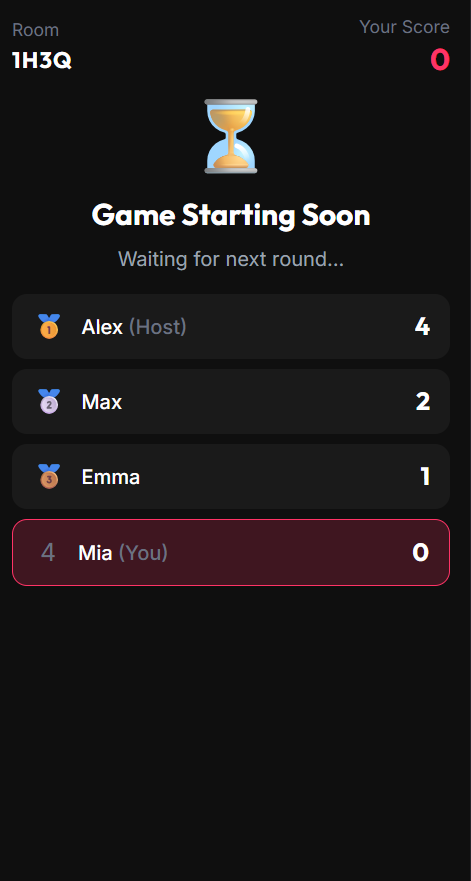
BuzzTheBeat tracks correct answers and streaks automatically, so everyone sees who’s on top and who’s coming for the crown.
Spotify, YouTube Music, Apple Music, Deezer, Tidal, even your downloaded files—the music never has to leave your device.
Players just scan a QR code and buzz from any browser. Perfect for parties, classrooms, trivia nights, and office happy hours.
Everyone hears the same speaker, the host controls the pace, and BuzzTheBeat pauses the music whenever someone buzzes.